Quick Start
Network Source of Truth is super easy to get running. If you just can’t wait to skip ahead, this guide is for you.
Note
This quick start assumes a lot. If it doesn’t work for you, please skip this and read the installation guide.
Install NSoT:
$ pip install nsot
Or using uv:
$ uv pip install nsot
Initialize the config (this will create a default config in
~/.nsot/nsot.conf.py):$ nsot-server init
Start the server on
8990/tcp(the default):$ nsot-server start
By default,
NSOT_NEW_USERS_AS_SUPERUSERisTrue, which means any user authenticated via theX-NSoT-Emailheader is automatically created as a superuser. For the quick start this is convenient — no extra setup is needed.Tip
If you are using session or basic authentication instead of header authentication, you will need to create a superuser manually:
$ nsot-server createsuperuser --email admin@localhost
See the Configuration docs for more details on
NSOT_NEW_USERS_AS_SUPERUSER.Now fire up your browser and visit http://localhost:8990!
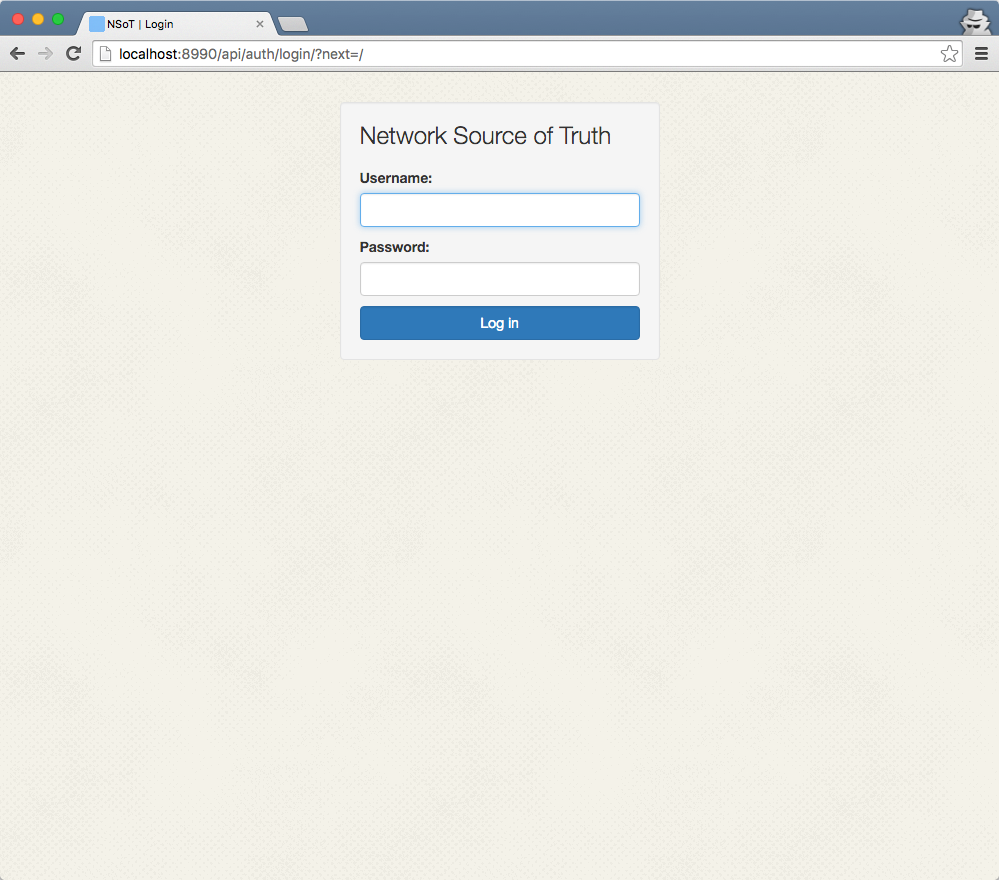
Log in using header authentication (the default) or the credentials created in step 3 if you used
createsuperuser.
Now, head over to the tutorial to start getting acquainted with NSoT!